

Gemini vs ChatGPT vs Copilot: Which AI Tool Should You Use Daily?
Gemini vs ChatGPT vs Copilot: Which AI Tool Should You Use Daily? Artificial intelligence has exploded into our daily lives. From drafting emails to coding software, these tools are reshaping how we work, communicate, and create. But with so many options, one pressing question remains: Which AI assistant is the best for everyday use—Gemini, ChatGPT, or Copilot?
Let’s break it down. Each of these AI tools is incredibly powerful, yet they’re built for slightly different audiences and use cases. Whether you’re a student, software developer, content creator, or entrepreneur, choosing the right AI tool can save you hours each week. So, which one actually fits your needs?
Read on as we dive deep into performance, usability, integrations, pricing, and daily productivity to help you decide which AI assistant deserves your trust.
Understanding the Core Purpose of Gemini, ChatGPT, and Copilot
Before we compare features, it’s important to know what each tool was designed to do.
Google Gemini (formerly Bard) is Google’s answer to generative AI and is heavily integrated with Google Workspace. It excels at factual queries, summarization, and collaborative productivity.
ChatGPT, developed by OpenAI, is widely recognized for its conversational skills and versatile functionality. It’s ideal for writing, research, customer support, and even code generation when using the GPT-4 model.
GitHub Copilot, on the other hand, is a specialized coding companion. Built by GitHub and powered by OpenAI, Copilot focuses on helping developers write, refactor, and optimize code faster.
Each AI has a core identity, so while all three are powerful, your experience will vary depending on your goals.
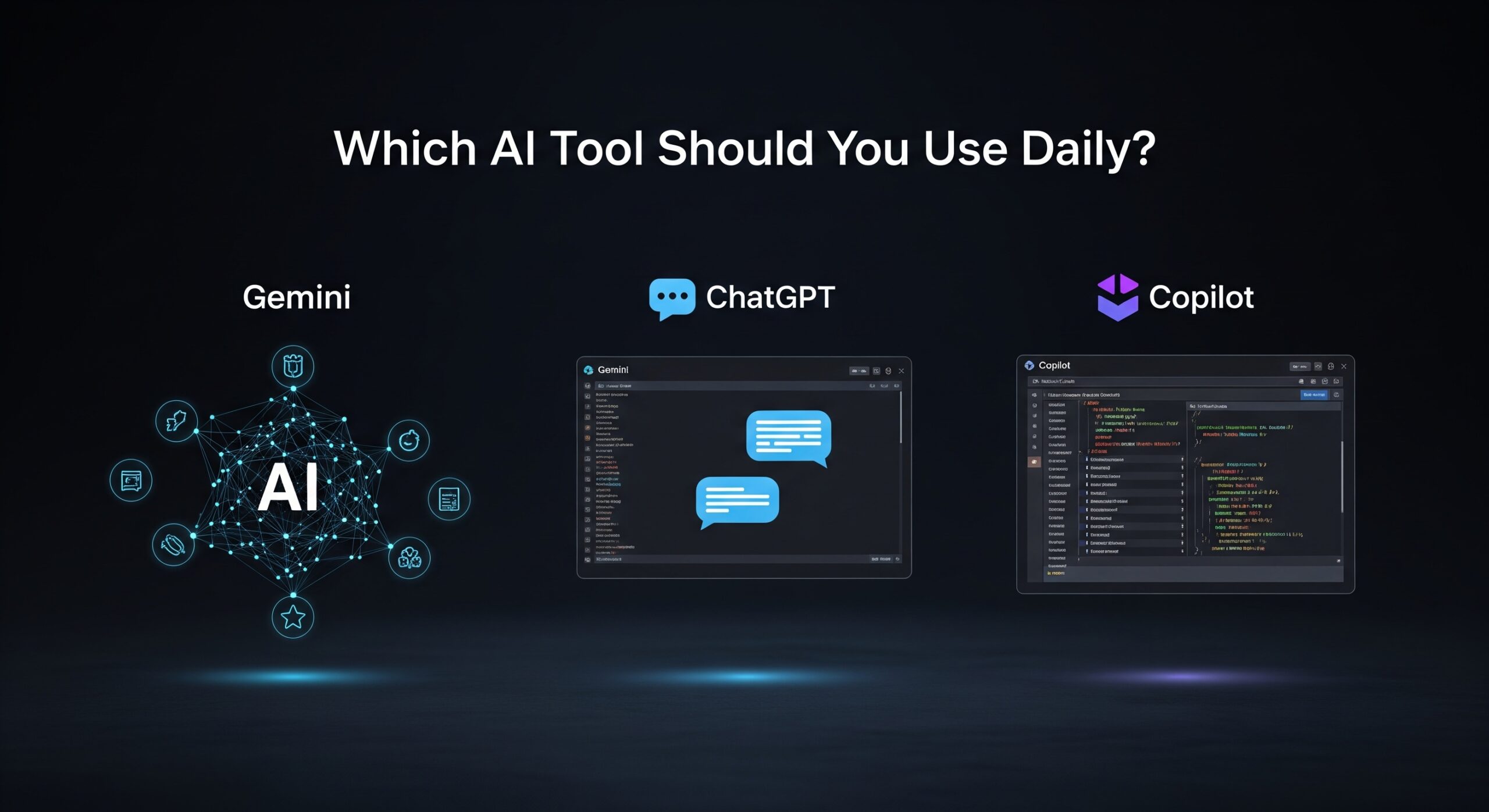
Gemini: Best for Google Power Users and Office Productivity
Gemini vs ChatGPT vs Copilot: Which AI Tool Should You Use Daily? If your daily workflow revolves around Google Docs, Gmail, or Sheets, Gemini is your go-to AI assistant. It integrates smoothly into Google Workspace, meaning you don’t need to jump between tools.
Why Google Gemini Works Well in Daily Tasks
Because Gemini pulls data from the live web (especially with Gemini 1.5), it’s great for up-to-date facts, current events, or trending data. Planning your marketing strategy for Q3? Gemini helps you grab the latest stats without leaving your workflow.
In addition, it can format emails, create summaries, and generate structured documents from scratch—perfect for knowledge workers.
Still, some users report that Gemini lacks the creative flair found in ChatGPT. When tone and nuance matter, it may fall short compared to its competitors.
ChatGPT: The All-Rounder AI with Exceptional Versatility
ChatGPT is hands-down the most versatile AI tool on this list. Its applications range from writing blog articles and social media content to answering customer service questions or even generating product descriptions for eCommerce.
ChatGPT Plus Unlocks Premium Features
With the ChatGPT Plus plan, users gain access to GPT-4, vision input, file uploading, and custom GPTs. You can train it to act like a copy editor, coding tutor, travel assistant, or even your personal life coach.
Moreover, thanks to OpenAI’s plugin ecosystem and tools like DALL·E and Code Interpreter, ChatGPT becomes far more than just a chatbot. You can generate images, run Python scripts, or summarize PDF documents—within one interface.
That’s why so many users rely on ChatGPT for daily creative work. It’s a jack of all trades, and surprisingly, a master of many.
Copilot: The Developer’s Daily Coding Sidekick
GitHub Copilot is engineered specifically for software developers, and it delivers on that promise. It integrates directly into Visual Studio Code, JetBrains IDEs, and even works with popular frameworks like React, Python, Java, and C++.
Speed Up Code Writing and Reduce Errors
If you spend hours coding, Copilot can shave that time significantly. It autocompletes functions, writes unit tests, and even suggests context-aware code snippets. You don’t have to search Stack Overflow for every small issue.
Because Copilot understands your code context, it’s incredibly helpful in debugging, exploring APIs, and implementing best practices.
But it’s not perfect—Copilot may occasionally hallucinate or offer insecure suggestions. You’ll still need solid coding fundamentals to catch those errors.
Ease of Use and User Interface: Who’s More Intuitive?
When it comes to user interfaces, ChatGPT offers the most user-friendly experience. Its minimalist design, file drag-and-drop support, and clear chat history make it ideal for beginners and professionals alike.
Gemini integrates beautifully with Google’s tools, but its standalone interface feels a bit disjointed. It’s clearly optimized for Workspace integration, not independent sessions.
Copilot is completely different—it lives inside your IDE. If you’re not a coder, you’ll likely find Copilot confusing or irrelevant.
So, from a usability perspective, ChatGPT wins for casual and diverse daily use.
Performance and Response Quality
Gemini shines when it comes to real-time factual data, as it has access to current web results. However, it sometimes lacks the depth and contextual richness of GPT-4.
ChatGPT consistently produces the most articulate, balanced, and creative outputs. It’s often the first choice for writing essays, brainstorming business ideas, or generating marketing content.
Copilot’s performance depends on your codebase and programming language. While it’s excellent for autocomplete and scaffolding, it can’t carry out full projects by itself.
AI for Content Creation: Which Tool is Superior?
Gemini vs ChatGPT vs Copilot: Which AI Tool Should You Use Daily? In the realm of blogging, SEO, ad copy, and social media content, ChatGPT takes the crown. It handles tone, structure, transitions, and keyword integration smoothly.
Gemini can generate outlines and help structure thoughts but lacks creative variability. It’s best used for templates or fact-driven writing.
Copilot doesn’t apply here unless you’re building content-generating apps or working on a coding blog.
If content creation is your main goal, ChatGPT is unmatched in its depth, creativity, and human-like fluency.
Pricing and Subscription Models
Here’s where things get interesting. Let’s compare:
- ChatGPT Free: Includes GPT-3.5 with limited features
- ChatGPT Plus ($20/month): Access to GPT-4, file upload, custom GPTs, code tools
- Gemini: Free version with Workspace, advanced features in Gemini Advanced (~$20/month)
- Copilot: $10/month for individuals, $19/month for businesses
Each tool offers decent value, but ChatGPT Plus provides the most utility per dollar if you plan to use AI across writing, coding, business planning, and research.
AI Tools for Business Use and Teams
If you’re managing a business or leading a team, your needs are different.
Gemini is perfect for collaborative productivity. Teams working on reports, meeting notes, or shared documents can benefit from its real-time integration with Google Drive and Gmail.
ChatGPT can be customized for business processes. With its custom GPTs and GPT Store, you can build AI workflows for HR, sales outreach, or customer queries.
Copilot for Business is a major time-saver for development teams. It can help onboard junior devs, standardize practices, and accelerate sprints.
Ultimately, the best AI for businesses depends on your team’s daily tasks and tools.
Security, Privacy, and Compliance
Security is non-negotiable when using AI tools in sensitive environments.
- Gemini complies with Google’s robust enterprise-grade policies, making it ideal for regulated industries.
- ChatGPT has implemented privacy modes, and enterprise plans offer SOC 2 compliance.
- Copilot’s code suggestions are filtered, but organizations still need internal policies for AI-generated code.
For more insights, visit the ClayDesk Blog: https://blog.claydesk.com